Cabernet
For people who just like wine.
The wine app for casual vinos
No subscriptions, no fuss, no homework. Just the easy way to remember what you drank and keep track of what's in your wine rack.
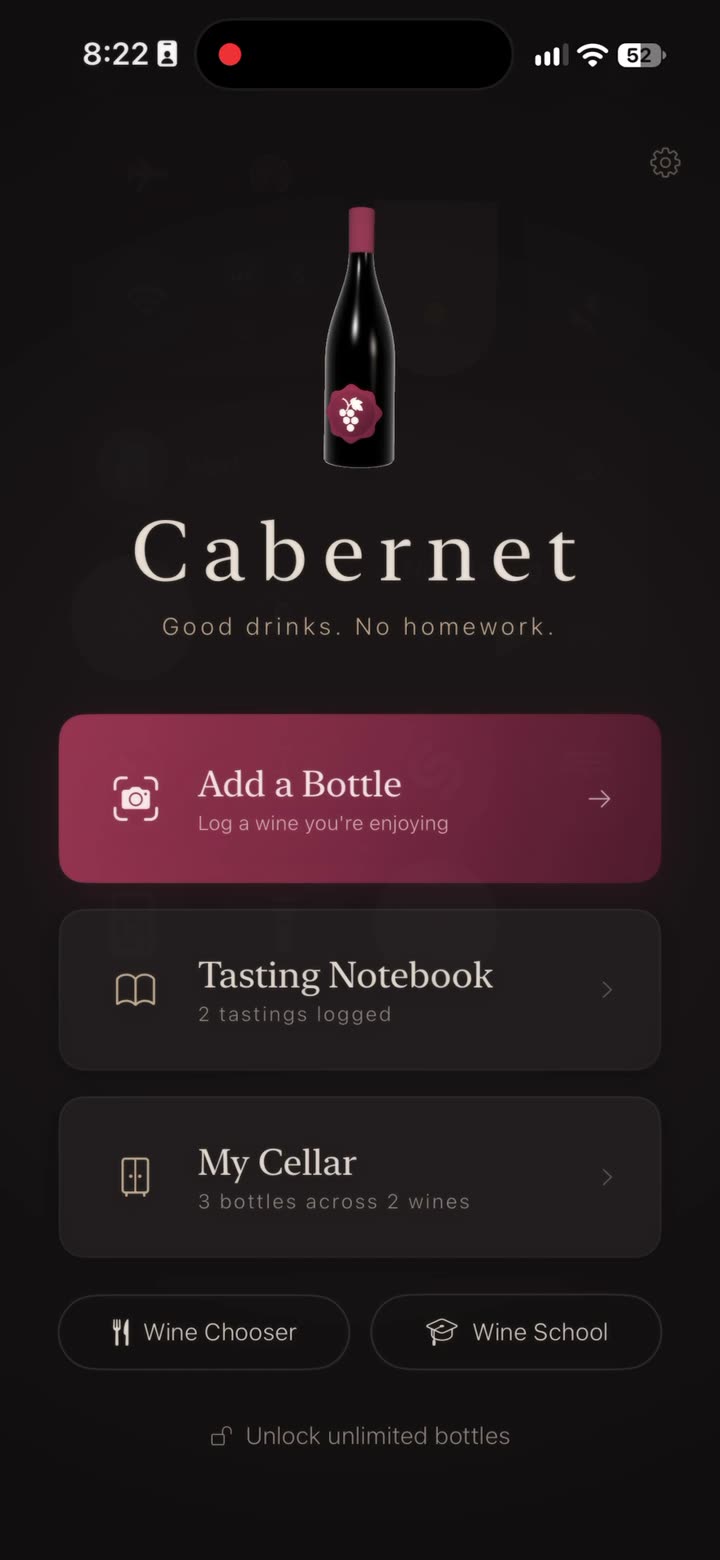
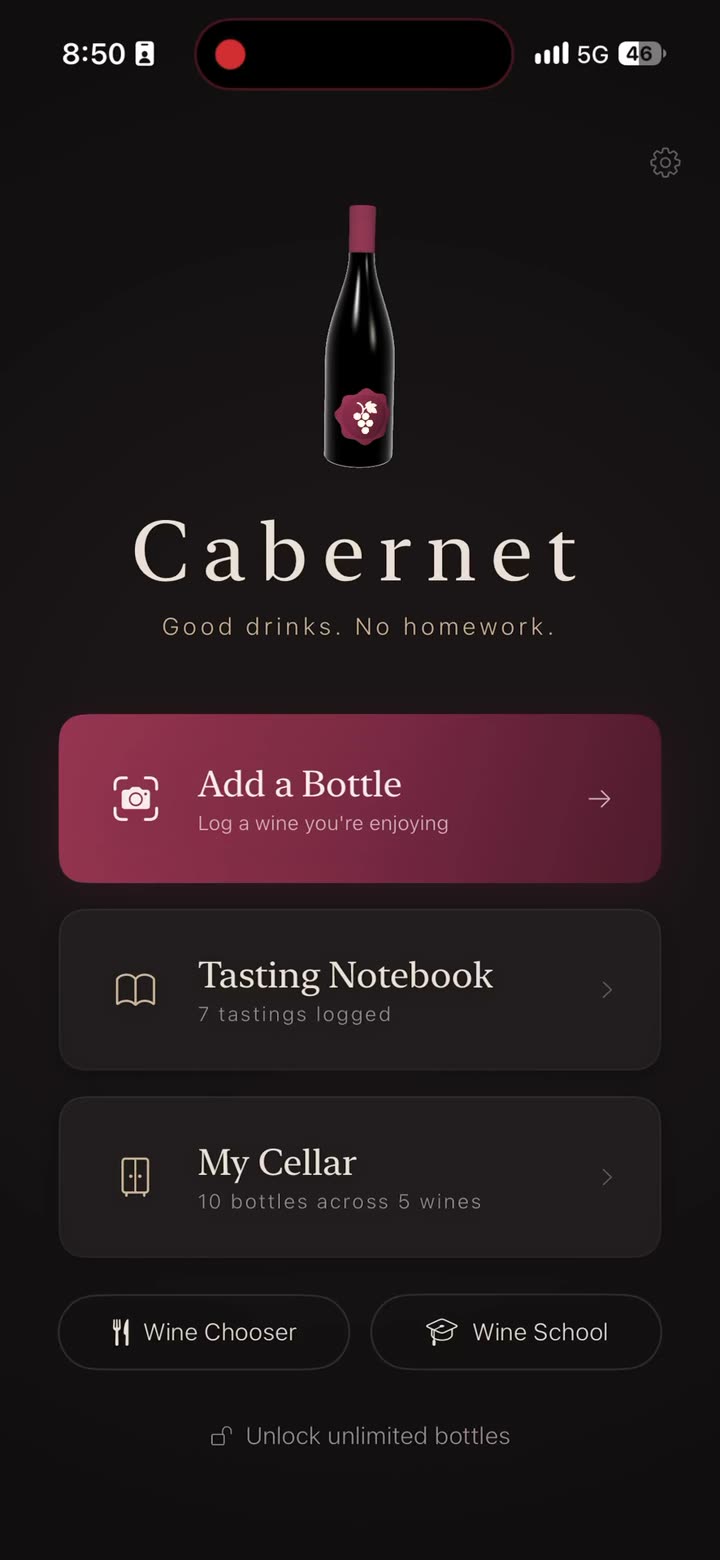
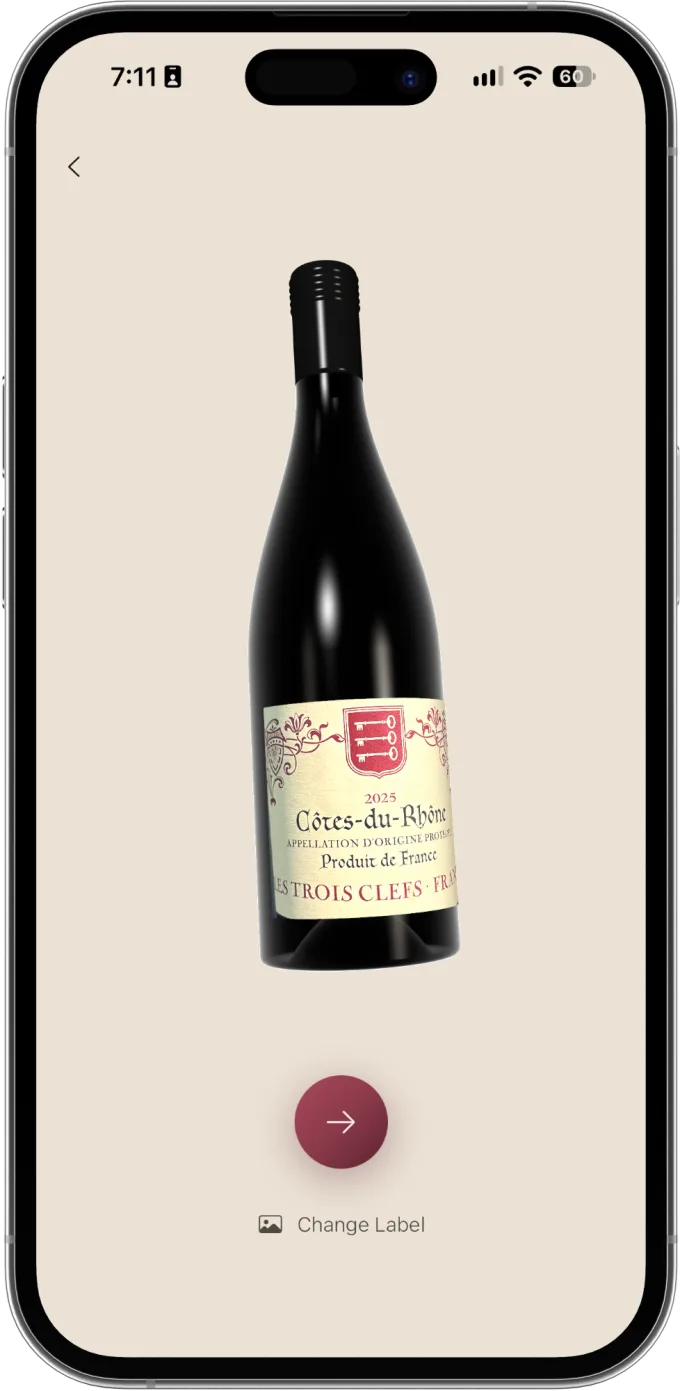
Snap the label. Get the bottle.
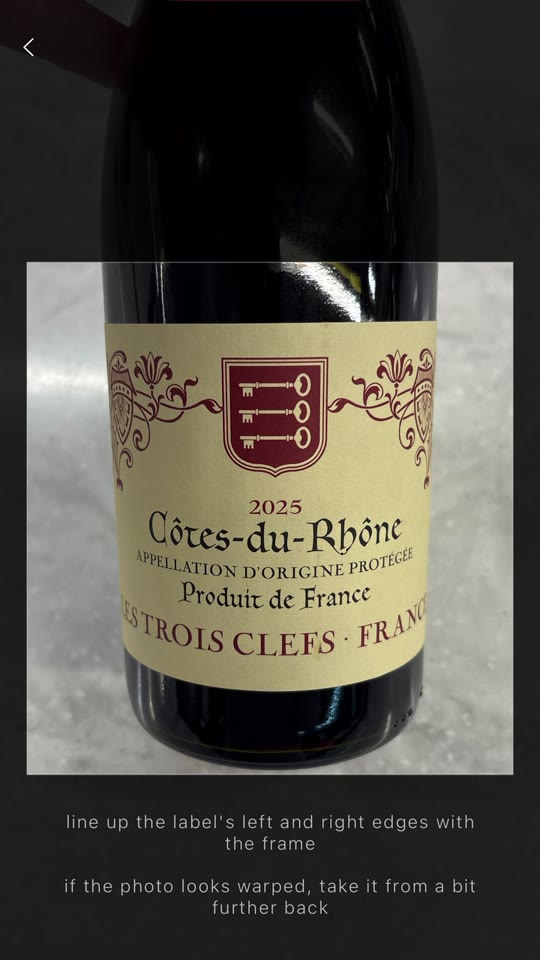
Snap the label and Cabernet wraps your photo onto a 3D bottle. Spin it with a swipe. Pick the bottle shape, the foil and the glass, and every wine you save looks like the real thing.
Remember the good ones
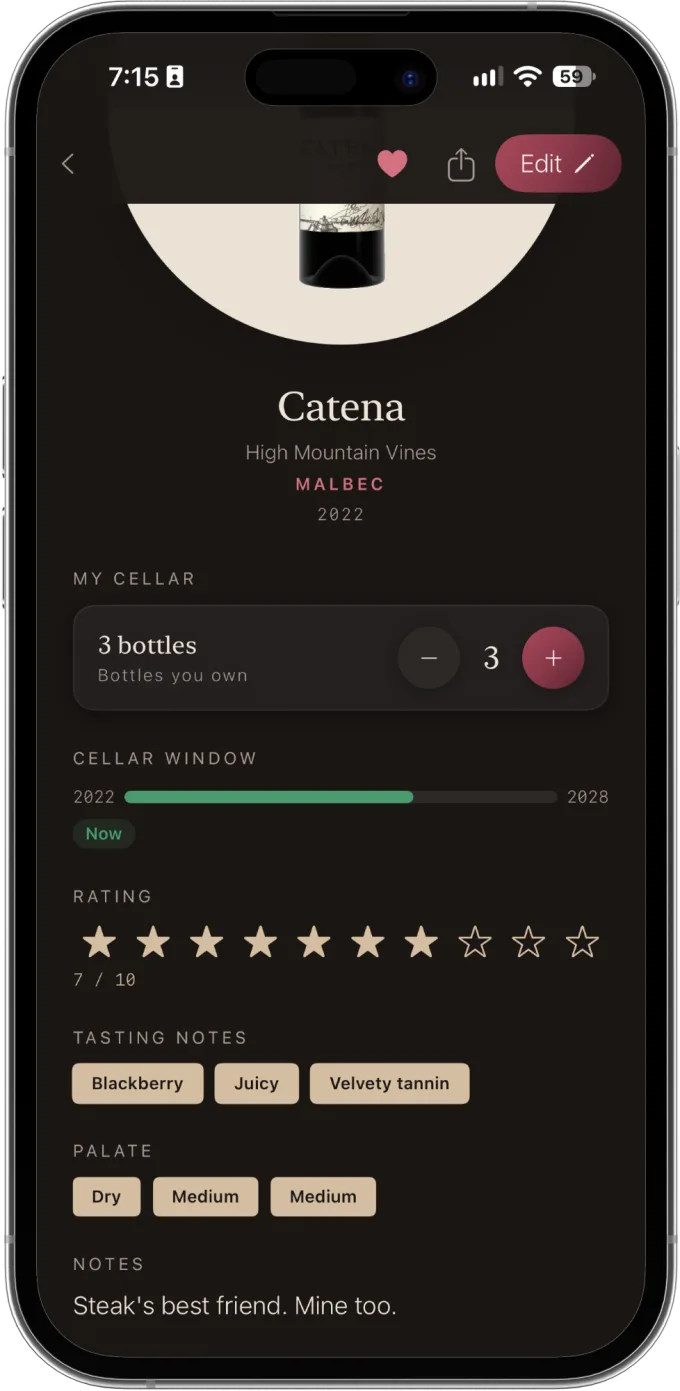
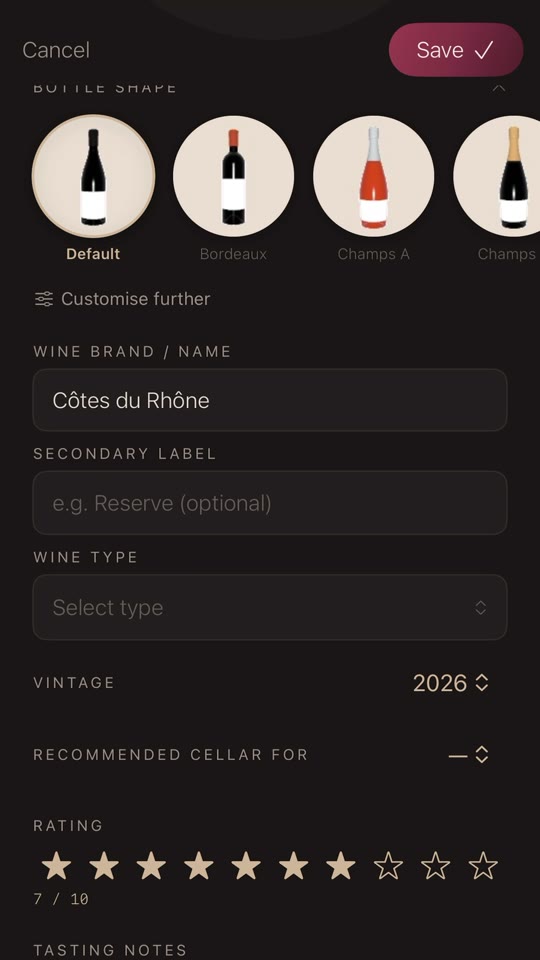
Log a wine at the table in a few taps: its name, grape, vintage and a rating out of ten. Pick sweetness, acidity and tannin, add a few tags, and write notes in your own words. “Would drink again” counts.
Track your bottles and when to open them
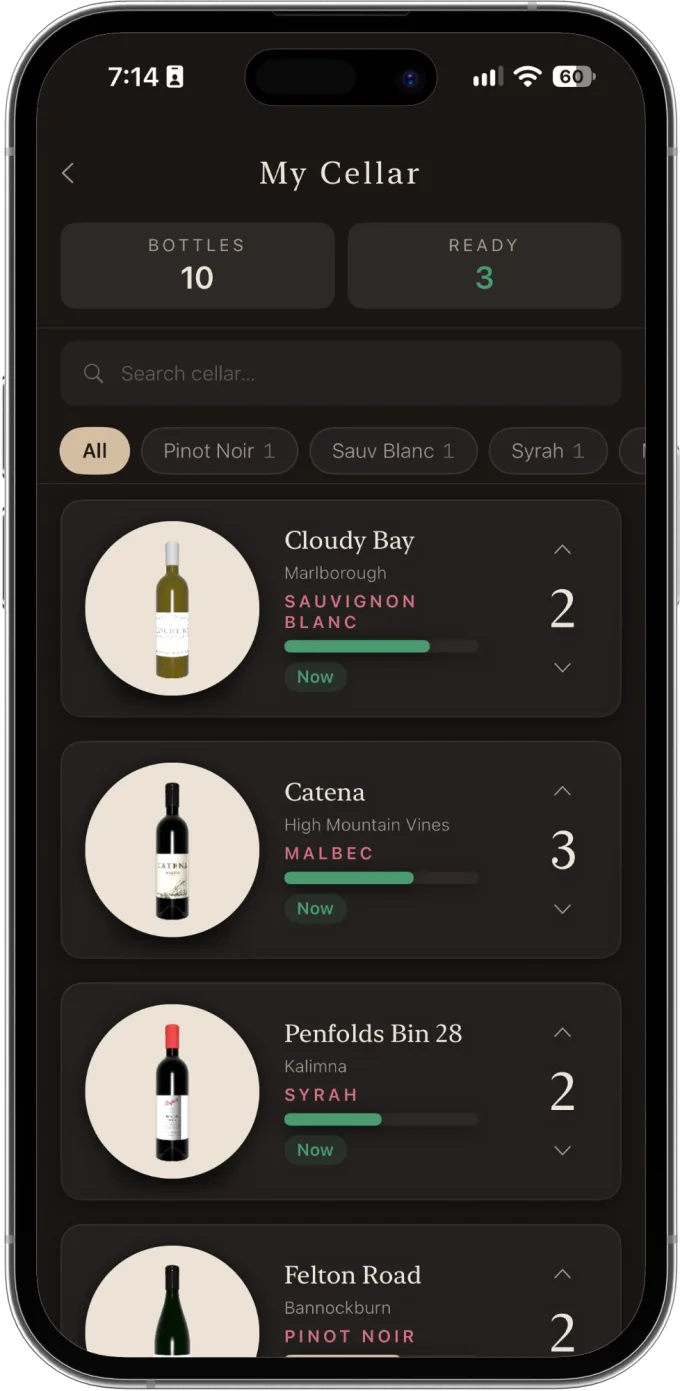
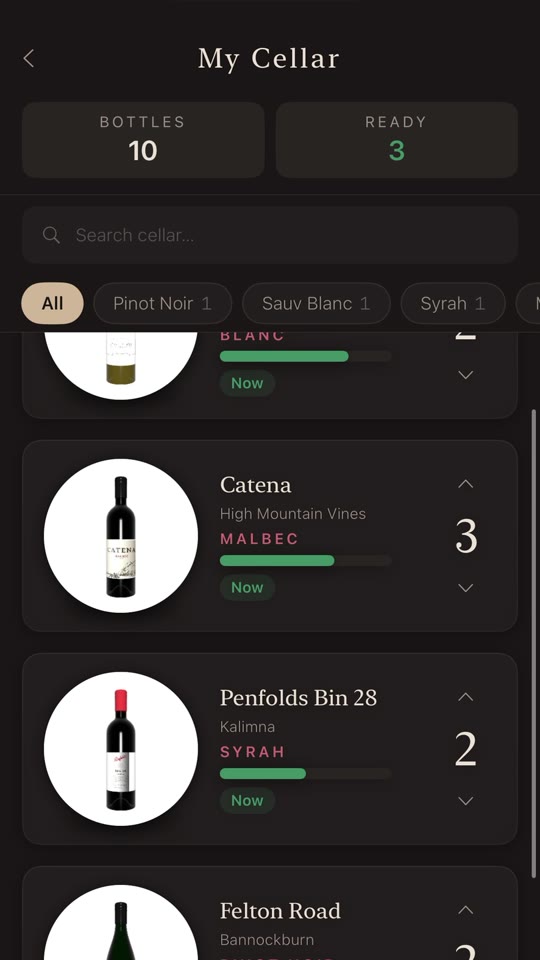
Keep count of the bottles you actually own. Add one, drink one, with a tap. Set how long a wine should rest and a drink window shows whether it's not ready yet, ready now, or past its best.
Food first. Wine pairing sorted.
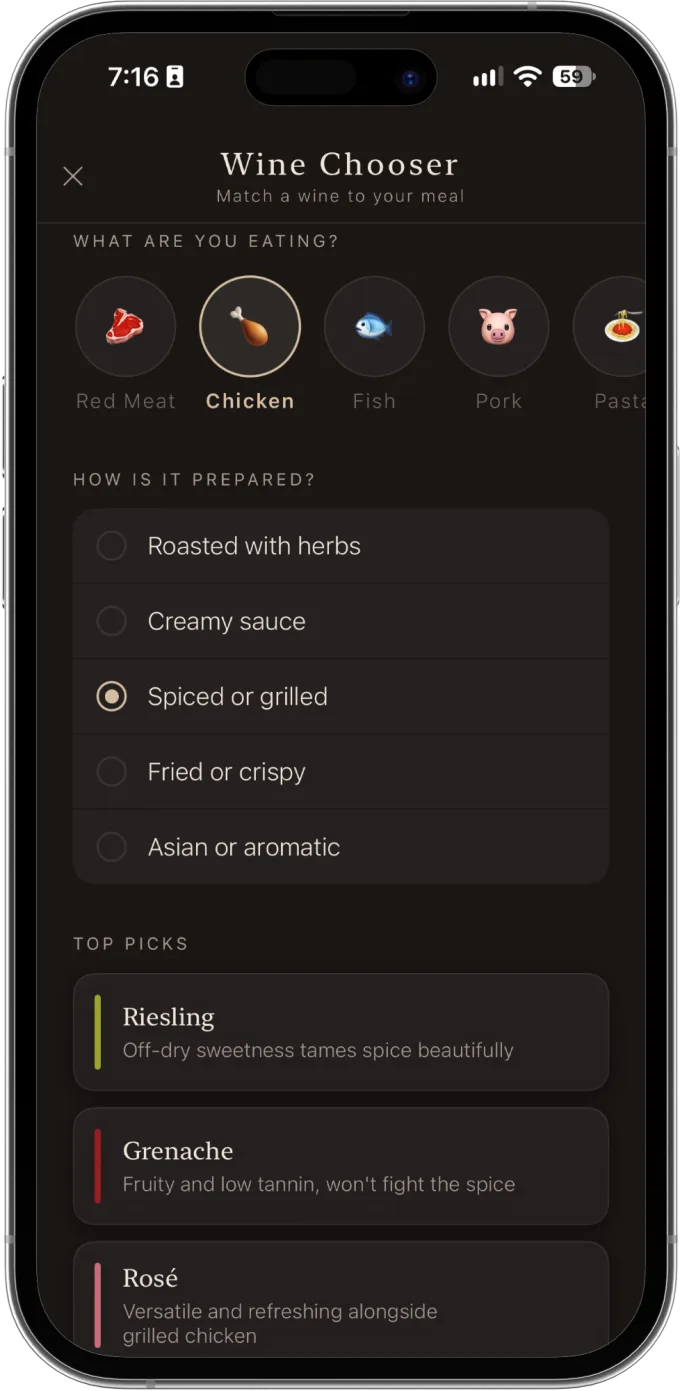
Select what you've ordered, from steak, chicken and pasta to cheese and dessert, then how it's cooked. You get three wines that suit it, each with a one-line reason why.
Show off what you're drinking to friends
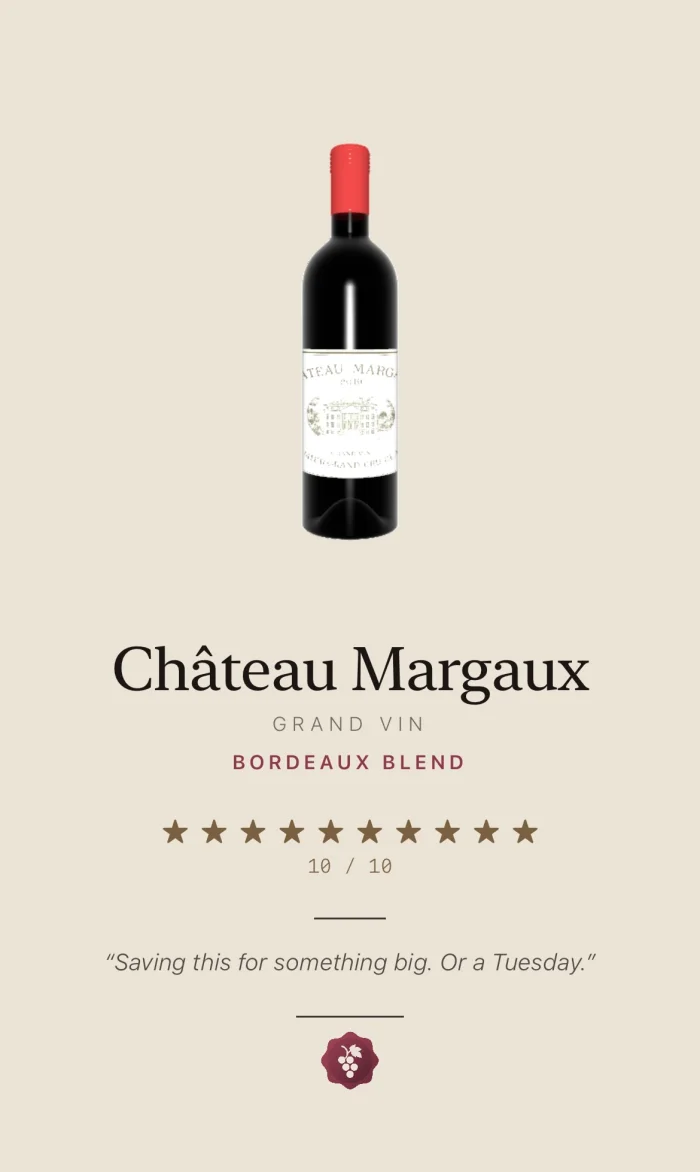
Turn any wine into a card, bottle, rating and notes, and send it to the friend who keeps asking what that red was.
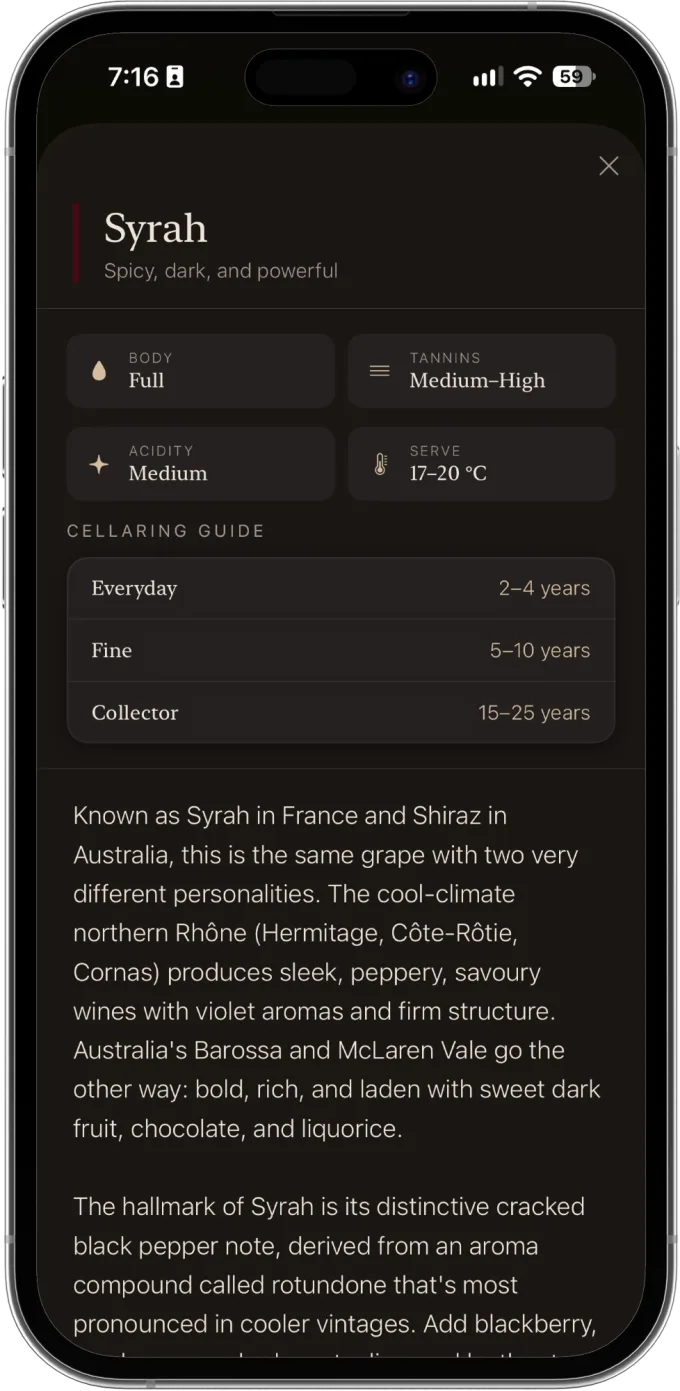
Learn a little. No homework.
26 grapes and styles explained in plain English, from Pinot Noir to Port, plus short reads on decanting, serving temperature and the wines worth keeping. Learn a little with every glass. There's no test.
How it works
 01
Snap the label
Point the camera at the bottle in front of you and line up the label. It wraps straight onto a 3D bottle.
 02
Fill in the details
Name, grape, vintage, a rating and a few words. Just the info you really need, nothing more.
 03
Keep it
Save it to the notebook, the cellar, or both. No account, no sign-in, and it all stays on your iPhone.